
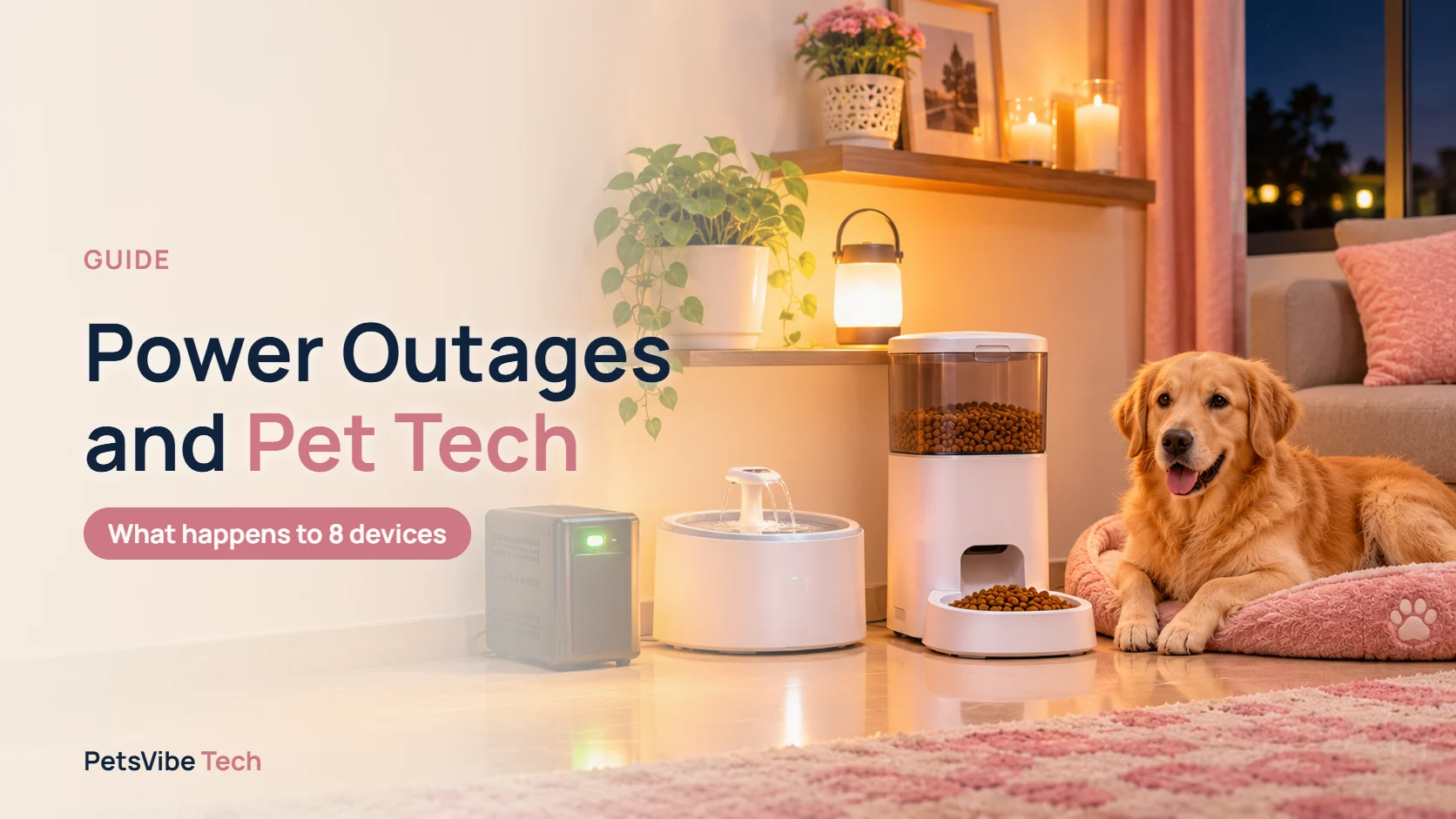
Power outages don’t hit every pet gadget the same way. Feeders with backup batteries usually keep serving scheduled meals (often without Wi-Fi), plug-in water fountains stop instantly, self-cleaning litter boxes stop unless they have a backup battery, and microchip cat flaps run on batteries anyway. Cameras go dark with your router. For short outages, a small UPS for the router and camera is the simplest fix.
Check prices on Amazon: PETLIBRO Granary feeder (battery backup) · APC Back-UPS for your router
Related guide: Automatic cat feeder battery backup
Storms, ice, heat waves and grid maintenance all cause power outages, and pets don’t stop needing food and water when the lights go out. The question is which of your pet devices keep working, which quietly stop, and what’s worth backing up.
This guide goes device by device, then works through a real calculation: how long can a small UPS keep a router, a pet camera and a fountain pump running?
How we evaluated
| Criterion | Why it matters | Where we checked |
|---|---|---|
| Works without mains power | Some devices run on batteries, others stop instantly | Manufacturer pages and our earlier guides built on them |
| What stops working | A device may keep running but lose the app or alerts | Product pages and support guides |
| Stated backup runtime | Tells you if it covers a short or a long outage | Manufacturer figures |
| Best fix | Built-in battery, swappable batteries, or a UPS | Specs plus a worked example |
What we didn’t do: PetsVibe Tech did not cut power to these devices or time their backup runtime. Figures are what the manufacturers state, checked on November 8, 2026. The UPS example uses illustrative numbers; replace them with the ratings printed on your own devices.
Quick verdict: what happens to each device in a power outage
| Device | What happens | What stops | Fix |
|---|---|---|---|
| Plug-in-only feeder | Stops, so no meals | Everything | Backup batteries or a UPS |
| Feeder with backup batteries | Usually keeps scheduled meals | Wi-Fi and app on many models | Keep fresh batteries in it |
| Corded water fountain | Pump stops immediately | Flowing, filtered water | A plain water bowl, or a cordless fountain |
| Cordless (battery) fountain | May keep running | Little, until the battery runs down | Keep it charged in storm season |
| Self-cleaning litter box | Stops; works as a plain box | Auto-cleaning and sensors | A backup battery if your model offers one |
| Microchip cat flap | Keeps working on its own batteries | The hub/app, if you use one | Replace batteries on schedule |
| Pet camera | Stops along with the router | Live view, alerts, recording | A UPS for router and camera together |
| GPS tracker | Runs on its own battery | May be affected if cell service is down | Charge it before storms |
I would choose / I would not choose
I would choose a feeder with a battery backup that keeps the schedule, a plain water bowl next to any fountain, and a small UPS for the router and camera if I rely on checking in remotely.
I would not choose a plug-in-only feeder for a home that loses power often, and I wouldn’t rely on a fountain as my pet’s only water source during storm season.
In this guide
- Automatic feeders in a power outage
- Water fountains: corded vs cordless
- Self-cleaning litter boxes
- Microchip cat flaps
- Cameras and your router
- Worked example: how long does a small UPS last?
- Your power outage plan
- FAQs
Automatic feeders in a power outage
Missed meals matter most, so start here. The general rule: plug-in-only feeders stop, and feeders with backup batteries usually keep dispensing scheduled meals, though app control may drop out.
Examples from manufacturer pages:
- PETLIBRO Granary (swappable backup batteries): saved schedules continue; Wi-Fi features are disabled.
- PETLIBRO Granary 2: built-in rechargeable battery; PETLIBRO states backup operation of up to 24 hours, and up to 48 hours for the Vision, Duo and X models, under test conditions.
- PetSafe Smart Feed: four D-cell backup batteries; PetSafe states meals are maintained for up to seven days on documented models.
We cover these models and their limits in detail in our guide to automatic cat feeder battery backup.
Water fountains in a power outage
A corded fountain’s pump stops the moment the power goes. The water stays in the bowl but stops circulating and filtering, and some cats lose interest in still water. A cordless, battery-powered fountain may keep running until its battery runs down, which is one of its real advantages in outage-prone homes. We compare both in cordless vs corded cat water fountains.
Simple rule: always keep a plain, full water bowl next to any fountain.
Self-cleaning litter boxes in a power outage
Self-cleaning boxes need power for cleaning cycles and sensors. During an outage they become ordinary litter boxes. Some brands sell a separate backup battery: Whisker sells one for the Litter-Robot 4 and says it provides up to 48 hours of operation (24 to 48 hours depending on use, based on 10 cleaning cycles a day), recharging automatically when power returns.
Microchip cat flaps in a power outage
Microchip cat flaps usually run on batteries, so a power outage doesn’t affect them. According to the manufacturers, the SureFlap Microchip Cat Flap runs on 4 AA batteries for up to about 6 months, and the PetSafe Microchip Cat Flap for up to 12 months. If your flap connects to a hub for app control, the hub needs mains power: the flap keeps working, but you lose remote control and notifications until power returns. See our microchip cat door comparison.
Cameras and your router in a power outage
A pet camera is useless without your router, and the router goes down with the power. Live view, alerts and even microSD recording stop. If remote monitoring matters to you, the answer isn’t a different camera but a UPS that powers the router and the camera together.
Worked example: how long does a small UPS last in a power outage?
Illustrative numbers only. Replace them with the wattage printed on your devices or their power adapters.
Looking for a small UPS? Mini UPS units for routers are sold on AliExpress. Check that the output voltage matches your router (often 12 V) before you buy.
| Item | Example value |
|---|---|
| Router | 12 W |
| Pet camera | 5 W |
| Fountain pump | 2 W |
| Total load | 19 W |
| Common small UPS battery | 12 V × 7 Ah = 84 Wh |
| Usable energy after conversion losses (assume 80%) | about 67 Wh |
| Estimated runtime | 67 ÷ 19 = about 3.5 hours |
A small UPS can cover a short outage of a few hours for these essentials. For a longer storm outage, a portable power station with a larger battery is the next step. Run your own numbers in our UPS runtime calculator.
Never put space heaters, heated pet beds or other heating appliances on a UPS. They draw far more power than a small UPS can supply.
Your pet tech power outage plan
- Replace feeder backup batteries at the start of storm season, even if they still seem fine.
- Fully charge cordless fountains and GPS trackers when a storm is forecast.
- Keep a plain water bowl next to every fountain.
- Put the router and camera on a UPS if you check in remotely.
- Test it: unplug the feeder for a minute and confirm it stays on battery.
- Write the meal schedule down next to the feeder; some devices need the clock reset after an outage.
- Keep a manual backup: a pre-measured meal in a container anyone at home can serve.
If you live in the Gulf
Outages in the Gulf tend to come with peak summer demand, when it’s hottest. In April 2025, Kuwait’s electricity ministry said scheduled cuts in some areas would not exceed three hours. The bigger risk then is heat, not a missed meal: if the power goes, so does the air conditioning. Leave your pet a shaded room and an extra water bowl.
Outage-ready pet tech
- Small UPS for router and camera — e.g. APC Back-UPS. Amazon
- 12V mini DC UPS for routers — match your router’s output voltage. Amazon
- Portable power station — for longer storm outages. Amazon
- Feeder with battery backup — e.g. PETLIBRO Granary. Amazon
- Cordless cat water fountain — keeps running on its battery. Amazon · WOPET store
Affiliate links: we may earn a commission at no extra cost to you. Prices change, so check the listing before you buy.
FAQs
Do automatic feeders work during a power outage?
If they have backup batteries, they usually keep serving scheduled meals, though Wi-Fi and the app may stop. Plug-in-only feeders stop.
Does a cat water fountain work without power?
A corded fountain’s pump stops immediately. A cordless fountain may keep running on its battery.
What happens to a self-cleaning litter box in a power outage?
Cleaning stops and it works like a regular litter box, unless it has a backup battery, such as the one Whisker sells for the Litter-Robot 4.
Do microchip cat flaps work in a power outage?
Usually yes, because they run on batteries. App control may stop if the flap uses a mains-powered hub.
Is a small UPS enough for a router and pet camera?
In our illustrative example, yes, for about three and a half hours. Check your own devices with the UPS calculator.
Should I put my feeder on a UPS?
You can, but a feeder with backup batteries usually doesn’t need it. Save UPS capacity for the router and camera.
Will my feeder need resetting after the power comes back?
Some models can lose the time or schedule if they have no batteries. Check the schedule after every outage.
What’s the most important thing to do before storm season?
Replace feeder batteries, keep a backup water bowl, and test your setup by unplugging it.
Final verdict
Power outages show which pet tech is truly resilient. For food and water, rely on a feeder with backup batteries and a plain water bowl. For monitoring, a small UPS for the router and camera covers a few hours in most homes. Test your plan before storm season, not during the outage.
Sources and references
- PETLIBRO: Granary 2 series
- PetSafe: Smart Feed setup and backup batteries
- Whisker: Litter-Robot 4 backup battery
- Sure Petcare: SureFlap microchip pet door
- Arab Times: Kuwait ministry says power cuts won’t exceed 3 hours (April 2025)
Sources checked on November 8, 2026.




Share your experience