
💡 Quick Answer
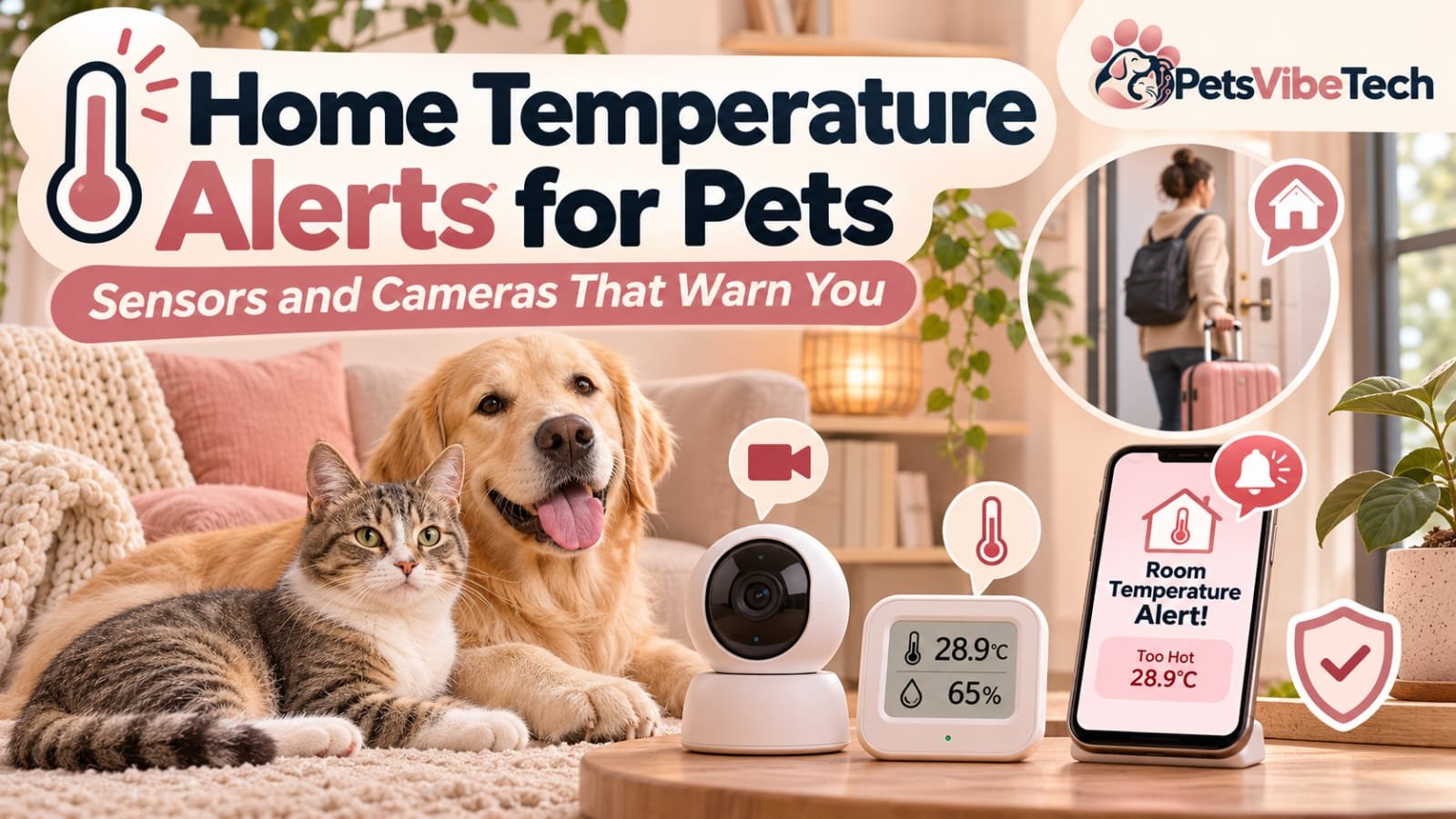
Home temperature alerts for pets work best with a Wi-Fi temperature sensor or a compatible smart thermostat that sends notifications when a room becomes too hot or cold. A pet camera adds visual reassurance but usually cannot measure temperature itself. For a dependable setup, combine temperature monitoring, a camera, and someone who can respond if you’re away.
Imagine leaving for work on a warm morning. Your cat is asleep on the sofa, the air conditioner is running, and everything seems fine.
A few hours later, the AC stops cooling.
You won’t know unless you check—or something tells you.
A pet camera might show your cat moving around, but it won’t necessarily reveal how warm the room has become. A temperature sensor, on the other hand, can notify you when the air reaches a level you’ve decided needs attention.
That small difference is why a temperature monitor can be more useful than an expensive camera when indoor climate is your main concern.
The good news? You don’t need an elaborate smart home to get started.
🏆 Quick Verdict: What Should You Use?
| Device | What It Does | Important Limitation |
|---|---|---|
| Govee Wi-Fi Thermo-Hygrometer H5179 | Measures temperature and humidity and supports remote app alerts | Requires working Wi-Fi for remote monitoring |
| SwitchBot Meter Plus + Hub | Sends temperature and humidity alerts through the SwitchBot system | Remote access requires a compatible hub |
| Aqara Temperature and Humidity Sensor + Hub | Monitors conditions and supports connected alerts and automation | Requires an Aqara hub |
| Compatible ecobee Smart Thermostat | Provides high/low temperature alerts and HVAC monitoring | Requires compatible installed thermostat equipment |
| Indoor pet camera | Lets you check your pet and room visually | Most cameras don’t measure room temperature |
My recommendation: Start with a dedicated temperature sensor that supports alerts while you’re outside your home. Add a camera if you also want to check on your pet.
📖 In This Guide
1. Why Temperature Alerts Matter
2. Which Sensors and Cameras Work?
3. How to Set Up Reliable Alerts
4. What to Do When an Alert Arrives
5. Common Mistakes to Avoid
6. Frequently Asked Questions
🌡️ Why Monitor Your Home’s Temperature When Pets Are Alone?
Pets can’t send you a message when the house becomes uncomfortable.
They may move to a cooler room, lie on the floor, or seek a warmer place. But those behaviors don’t tell you whether the conditions remain safe.
Heat is especially concerning for older pets, overweight animals, and flat-faced breeds such as bulldogs and Persian cats.
Dogs and cats with certain heart or respiratory conditions may also be more vulnerable.
Cold conditions deserve attention too, particularly for kittens, puppies, senior pets, and animals with medical needs.
A temperature alert gives you information before you arrive home and discover a problem.
Is There One Safe Temperature for Every Pet?
No.
The appropriate indoor temperature depends on the animal’s species, age, breed, coat, health, humidity, and access to cooler or warmer areas.
A healthy adult cat may tolerate conditions differently from an elderly pug with respiratory problems.
That’s why setting every pet monitor to the same advertised “safe temperature” isn’t a good idea.
Ask your veterinarian about suitable conditions if your pet is particularly vulnerable.
Then configure alerts to give you enough time to act before the room reaches a concerning temperature.
Remember: A room-temperature sensor measures the environment—not your pet’s body temperature.
📱 Which Temperature Sensors and Cameras Actually Help?
1. Govee H5179: A Simple Wi-Fi Temperature Monitor
If you want to know the temperature at home while you’re at work, Govee’s H5179 is a practical starting point.
It measures temperature and humidity and connects to the Govee Home app.
You can configure temperature ranges and receive notifications when readings move outside them.
Unlike a basic Bluetooth-only thermometer, the H5179 supports remote monitoring through Wi-Fi.
What I like: It’s a focused device. You don’t need to build a complete smart-home system just to monitor a room.
What to check: It doesn’t support 5GHz-only Wi-Fi connections. Your network must support the device’s required 2.4GHz connection, and remote alerts depend on connectivity.
2. SwitchBot Meter Plus: Good if You Want a Larger Smart-Home Setup
SwitchBot Meter Plus has a clear display for temperature and humidity.
It’s useful even when you’re home because you can read it without opening an app.
But there’s an important detail buyers sometimes overlook.
SwitchBot Meter Plus alone does not provide remote monitoring from anywhere.
It communicates through Bluetooth. To receive alerts when you’re away, you need a compatible SwitchBot Hub connected to your home network.
That’s not necessarily a disadvantage.
If you already own a SwitchBot hub, adding a meter may be convenient. If you’re starting from scratch, remember to include the hub in your budget.
3. Aqara Temperature and Humidity Sensor: Good for Smart-Home Automation
Aqara’s compact sensor monitors temperature and humidity and supports connected alerts.
It can also be part of an automation system.
For example, an appropriate compatible setup could trigger a notification or an action when the room becomes too warm.
However, the sensor requires an Aqara hub.
Don’t purchase the sensor alone expecting it to send notifications directly over your home Wi-Fi.
Who should consider it? Owners already using Aqara devices or planning a compatible smart-home system.
4. Smart Thermostats: Useful When Heating or Cooling Is the Main Concern
If your home already uses a compatible smart thermostat, check its alert settings before buying another sensor.
For example, ecobee supports high- and low-temperature alerts on compatible thermostats.
It also offers information about certain heating and cooling equipment issues.
This can be more informative than a basic temperature reading because the thermostat is connected to the climate-control system.
Still, a thermostat in the hallway may not reflect conditions in the sunny bedroom where your cat spends most of the day.
A separate room sensor may be useful.
5. Pet Cameras: Helpful, but Not a Substitute for Temperature Sensors
A camera can show whether your dog is resting, your cat has moved to another room, or the household appears unusual.
Some cameras offer movement tracking and two-way audio.
But most ordinary indoor pet cameras don’t include a built-in ambient temperature sensor.
Even if the picture looks normal, the room could be getting warmer.
If you’re choosing between different camera types, our Pet Camera vs Home Security Camera comparison explains which features are worth paying for.
Best combination: One reliable temperature monitor plus a camera covering the area where your pet usually rests.
🛠️ How to Set Up Temperature Alerts That Actually Work
Buying the right device is only half the job.
The setup matters just as much.
Step 1. Put the Sensor in the Right Place
Avoid placing it:
- Directly beneath an AC vent
- Beside a heater
- In direct sunlight
- Against a particularly hot or cold window
- Somewhere your pet can chew or swallow it
Place it in a representative part of the room where your pet normally spends time.
If your home has rooms with very different temperatures, one sensor may not be enough.
Step 2. Set Meaningful High and Low Alerts
Choose the notification limits based on your pet’s needs and your usual indoor conditions.
You want enough warning to respond before conditions become dangerous.
Don’t simply copy a number from an online product review.
For a pet with health concerns, ask your veterinarian to help establish appropriate thresholds.
Step 3. Enable Phone Notifications
Check that notifications are allowed in your phone settings.
Also review battery optimization, Do Not Disturb, and the app’s alert preferences.
A perfectly functioning sensor isn’t useful if your phone silently blocks its warnings.
Step 4. Test While You’re Away From Home
This step is easy to forget.
Configure a temporary test threshold that will trigger an alert.
Disconnect your phone from home Wi-Fi, use mobile data, and confirm you receive the notification.
Then restore your intended settings.
Test the complete process again after changing your router, phone, or smart-home hub.
Step 5. Add a Backup Response
Suppose you receive a high-temperature alert while you’re an hour away.
What happens next?
Ideally, you already know someone nearby who can check on your pet.
A trusted neighbor, family member, or pet sitter is more useful in that situation than another notification.
🚨 What Should You Do When a Temperature Alert Arrives?
Let’s say your home is normally comfortable, but the app reports a steady temperature increase while you’re at work.
Don’t immediately dismiss the notification as a sensor error.
Use this sequence.
First, check the trend. Is the temperature rising continuously, or was there a brief unusual reading?
Second, open the pet camera if you have one. Check where your pet is and whether anything appears wrong. Don’t assume a pet is safe simply because it looks calm on video.
Third, check your cooling or heating system through its supported controls, if available.
Fourth, arrange an in-person check if the room is becoming unsafe or you can’t confirm that climate control is working.
If your pet appears distressed, treat it seriously.
Warning signs of overheating can include heavy panting, excessive drooling, weakness, unusual breathing, or collapse.
Seek urgent veterinary care if you suspect heatstroke. Remote monitoring cannot diagnose or treat it.
What If the Internet Goes Down?
Most app-based remote sensors need an internet connection somewhere in the system.
If the router loses power, your sensor may continue measuring temperature without being able to notify you.
A small UPS may help keep a compatible router or hub operating during a brief outage, provided the backup is correctly sized and supported.
But that doesn’t mean your air conditioner will continue running.
Our Power Outages and Pet Tech guide explains the difference between powering small monitoring devices and keeping larger equipment running.
For homes where an outage poses a particularly high risk, consider an independently connected monitoring or alerting arrangement and a dependable human response plan.
⚠️ Four Mistakes Worth Avoiding
1. Assuming a Camera Measures Temperature
A live video feed isn’t an environmental reading. Check the camera’s actual specifications before assuming it provides temperature alerts.
2. Buying a Bluetooth Sensor for Remote Monitoring
Some affordable thermometers work only within Bluetooth range unless you add a hub.
If you’re buying the device specifically for alerts while you’re away, verify that feature before checkout.
3. Using a Generic Smart Plug to Control a Heater or AC
Don’t assume that remotely switching the power to a heater or air conditioner is safe.
Many climate-control appliances have specific electrical and operating requirements.
Follow the appliance manufacturer’s instructions and use only compatible, properly rated controls.
For heater-specific risks, read Space Heaters and Pets: 7 Safety Checks and When a Smart Plug Helps.
4. Treating Notifications as a Replacement for Supervision
A dead phone battery, internet outage, disconnected sensor, or missed notification can interrupt your monitoring.
Technology adds useful warning time, but your pet still needs an appropriate environment and someone who can respond when necessary.
Where to check prices
- Govee H5179 Wi-Fi Thermo-Hygrometer — remote alerts with no hub needed. Amazon
- SwitchBot Meter Plus + Hub Mini — the hub is required for away-from-home alerts. Amazon
- Aqara Temperature and Humidity Sensor — needs an Aqara hub. Amazon
- ecobee smart thermostat — high and low temperature alerts on compatible systems. Amazon
- Tapo C225 pet camera — to see your pet after an alert. Amazon
Affiliate links: we may earn a commission at no extra cost to you. Prices change, so check the listing before you buy.
❓ Frequently Asked Questions
1. Can I get a phone alert if my house gets too hot for my cat?
Yes. Compatible Wi-Fi temperature sensors and smart thermostats can notify you when your chosen temperature threshold is reached. Set thresholds appropriate for your cat rather than relying on a universal number.
2. Do pet cameras measure room temperature?
Most ordinary indoor pet cameras do not. Some specialized devices may include environmental sensors, but you should check the exact model’s specifications. A dedicated temperature sensor is usually the more reliable choice for this purpose.
3. Do temperature monitors work without Wi-Fi?
Many can continue measuring temperature locally, but remote notifications often require internet access. Bluetooth sensors may need a compatible hub, while certain monitoring systems offer cellular connectivity.
4. Is one temperature sensor enough for an entire house?
It may be enough for a small space with consistent temperatures. Larger homes or rooms with different sun exposure and heating or cooling conditions may benefit from additional sensors.
5. Can a smart temperature sensor turn on my air conditioner?
Some smart-home ecosystems support climate-control automation through compatible thermostats or controllers. However, compatibility and safe operation must be verified. A temperature sensor alone doesn’t control an AC unit.
6. What is the best setup for monitoring a pet while I’m at work?
A remote-alert temperature sensor, an appropriately positioned indoor camera, dependable internet connectivity, and a nearby person who can respond provide a practical layered approach.
✅ Final Verdict: Start With a Sensor, Then Add a Camera
If your biggest concern is an air conditioner failing while your pet is alone, a remote temperature sensor should be your first purchase.
Govee H5179 is a straightforward option for Wi-Fi monitoring. SwitchBot Meter Plus and Aqara sensors are worth considering if you’re already using compatible smart-home hubs.
A pet camera adds something different: the ability to see what’s happening after an alert arrives.
You don’t necessarily need both devices immediately. Start with the problem you’re trying to solve and build from there.
Most importantly, decide what you’ll do if the temperature rises and you can’t get home quickly.
A temperature alert won’t cool the room. Its value is giving you a chance to act before your pet is in trouble.


Share your experience