
💡 Quick Answer
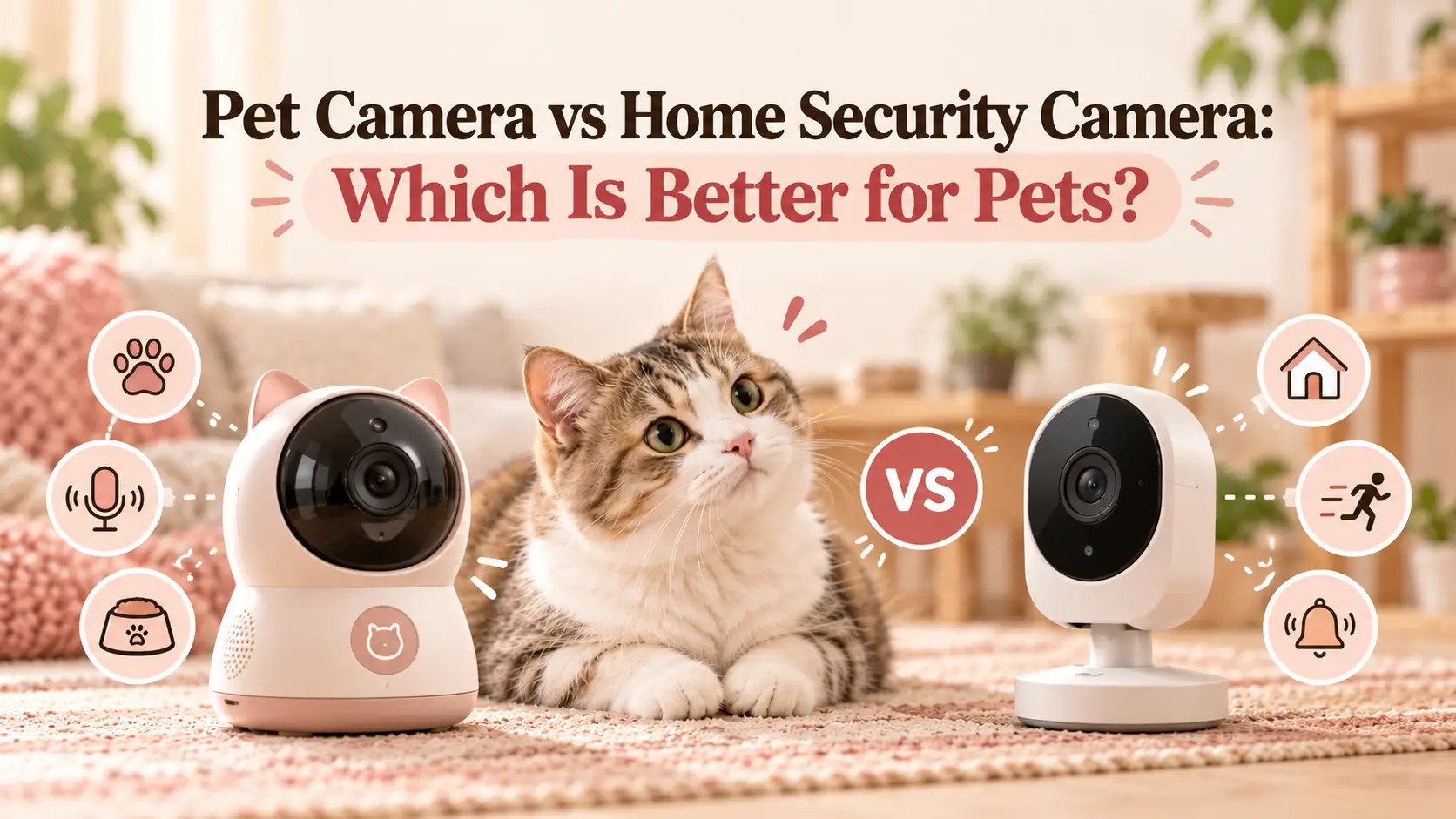
In the pet camera vs home security camera comparison, an indoor security camera is usually better for affordable pet monitoring, especially with pet detection, two-way audio, and local recording. Choose a dedicated pet camera if you specifically want treat tossing, pet-focused activity reports, or interactive features worth the additional cost.
You want to check on your dog while you’re at work or see what your cat does when nobody is home.
A dedicated pet camera sounds like the obvious choice.
But many indoor home security cameras already offer live video, pet detection, night vision, and two-way audio—sometimes without monthly fees.
So, is a specialized camera really worth the extra money?
The answer depends on whether you want to observe your pet or interact with it remotely.
This guide compares practical features, recurring costs, and real product examples to help you choose.
Editorial note: This comparison is based on published manufacturer specifications. PetsVibe Tech has not independently tested these cameras. Features and subscription terms may vary by model, plan, and region.
🏆 Quick Verdict: Pet Camera or Security Camera?
For most households, a good indoor security camera offers better overall value.
A dedicated pet camera becomes worthwhile when its specialized features solve a problem a conventional camera cannot.
| Feature | Dedicated Pet Camera | Indoor Security Camera |
|---|---|---|
| Live video | Yes | Yes |
| Two-way audio | Usually | Often |
| Night vision | Usually | Often |
| Pet detection | Model-dependent | Available on selected models |
| Barking alerts | Often available | Available on selected models |
| Treat dispensing | Selected models | Rare |
| Automatic tracking | Selected models | Common on pan/tilt models |
| Local recording | Model-dependent | Commonly available |
| Cloud subscription | Often optional or feature-dependent | Often optional |
| General home security | Limited on some models | Usually stronger |
I Would Choose a Pet Camera If…
- I wanted to toss treats remotely.
- I valued specialized barking or pet activity reports.
- I wanted pet-specific interactive features.
- I was comfortable paying for advanced services if required.
I Would Choose a Security Camera If…
- I mainly wanted to check on my cat or dog.
- I preferred local recording without recurring fees.
- I wanted to monitor pets and home activity together.
- I needed several cameras covering different rooms.
Our recommendation: Start with a quality indoor security camera unless you genuinely need treat dispensing or specialized pet-monitoring services.
📖 In This Guide
1. Features That Matter Most
2. Furbo vs Petcube vs Tapo
3. Subscription Costs
4. Which Type of Camera Fits Your Goal?
5. Setup and Privacy Tips
6. Frequently Asked Questions
🔍 Pet Camera vs Home Security Camera: Key Differences
1. Video Quality and Room Coverage
Both categories can provide clear live video, night vision, and remote viewing.
For example:
- Furbo 360° Dog Camera: 1080p video with rotating coverage.
- TP-Link Tapo C225: 2K QHD video with pan-and-tilt functionality.
Higher resolution helps capture details, but positioning matters just as much.
A camera facing your sofa won’t show what your dog is doing in the kitchen.
Winner: Home security camera for affordable coverage and flexible viewing options.
2. Two-Way Audio
Two-way audio lets you hear your pet and speak through the camera.
It’s available on dedicated pet cameras such as Furbo and Petcube, but also on many regular indoor security cameras.
You don’t need a specialized pet camera just to talk to your dog.
However, some animals become confused or excited when they hear a familiar voice without seeing their owner.
Winner: Tie.
Choose based on audio quality, reliability, and your pet’s response.
3. Treat Tossing and Interactive Features
This is where dedicated pet cameras offer a meaningful difference.
Furbo’s 360° Dog Camera includes a treat-tossing mechanism that lets owners dispense compatible treats remotely.
Most conventional security cameras cannot do this.
Treat dispensing can be useful for positive reinforcement or simple interaction, provided the treats are suitable for your pet.
But it isn’t necessary for every household.
A cat that sleeps throughout the afternoon may benefit very little from it.
Winner: Dedicated pet camera.
4. Smart Pet Alerts
Some dedicated cameras offer alerts for barking, meowing, or unusual activity.
However, regular home security cameras increasingly include similar detection features.
For example, Tapo C225 supports pet detection and certain animal-sound notifications.
Petcube offers pet-focused smart notifications through its Care subscription.
Before purchasing, verify:
- Which events the camera can detect.
- Whether pet detection works without a subscription.
- Whether alerts include recorded video.
- Whether detection zones can be customized.
Winner: Depends on the specific model and plan.
5. Recording and Privacy
Many indoor security cameras support local microSD storage.
This can help owners review footage without relying entirely on a cloud recording plan.
Tapo C225 offers local storage and optional Tapo Care cloud features.
Petcube Cam 360 provides live viewing without a subscription, while recorded history and advanced alerts require Petcube Care.
Privacy also matters.
Look for strong account security, firmware updates, recording controls, and a physical privacy feature when available.
Winner: Home security camera, especially when local storage and privacy controls are priorities.
📷 Furbo vs Petcube vs Tapo: Real Camera Examples
Three products illustrate the main differences.
| Camera | Category | Main Advantage | Main Limitation |
|---|---|---|---|
| Furbo 360° Dog Camera | Pet camera | Treat tossing and interaction | Advanced services may require payment |
| Petcube Cam 360 | Pet camera | Pet-focused viewing and alerts | Video history and advanced alerts require Care |
| Tapo C225 | Security camera | 2K video, pet detection, local recording | No treat dispenser |
Where to check prices
- Furbo 360° Dog Camera Amazon · Search all listings
- Petcube Cam 360 Amazon
- Tapo C225 Amazon
Budget options: cheaper similar devices are sold on AliExpress. They are not the brands reviewed above, so check the seller rating, warranty and plug type before you buy.
Furbo 360° Dog Camera
Best for owners who want remote interaction.
Furbo offers treat dispensing, rotating coverage, and pet-focused features.
It makes sense if you regularly use its interactive functions.
Check the exact Furbo Nanny subscription requirements before buying.
Petcube Cam 360
Best for owners who prefer a pet-focused monitoring app.
Petcube combines rotating coverage, two-way audio, and connected features.
However, buyers should check which notifications and recording options require Petcube Care.
TP-Link Tapo C225
Best for everyday monitoring without mandatory cloud recording fees.
Tapo C225 offers 2K video, pan-and-tilt coverage, pet detection, and microSD recording.
It lacks a treat dispenser, but for many owners, its monitoring features are sufficient.
💰 Which Camera Costs Less Over Time?
A camera’s purchase price is only part of its real cost.
Cloud video history, advanced alerts, and activity reports may require a subscription.
| Feature | Usually Free? |
|---|---|
| Live viewing | Yes |
| Basic two-way audio | Yes |
| Night vision | Yes |
| Local microSD recording | Often |
| Cloud video history | Often paid |
| Advanced pet AI reports | Often paid |
| Extended video storage | Usually paid |
What Should You Check Before Buying?
Calculate:
Camera price + storage accessories + subscription fees over your intended ownership period.
For multi-camera households, check whether the subscription covers one device or several.
A relatively inexpensive camera can become costly if its most useful features require recurring payments.
For more buying and troubleshooting information, explore our Pet Cameras guides and advice.
🐕 Which Type of Camera Fits Your Goal?
Choose based on what you actually want to accomplish. Already sure you want a camera with no monthly fee? Our list of the best pet cameras without monthly subscriptions compares five specific models.
| Your Goal | Better Choice |
|---|---|
| Watch your cat while you’re away | Indoor security camera |
| Check on your dog during work | Indoor security camera |
| Toss treats remotely | Dedicated pet camera |
| Monitor pets and household security | Indoor security camera |
| Avoid monthly subscription fees | Camera with local storage |
| Monitor several rooms | Multiple indoor security cameras |
| Receive specialized pet behavior reports | Dedicated pet camera with suitable features |
Best for Cat Owners
A pan-and-tilt security camera is usually a practical choice.
Prioritize night vision, reliable pet detection, and convenient recording.
Best for Dog Owners
If you mainly want to check whether your dog is resting comfortably, a conventional camera can be sufficient.
If you specifically want to dispense treats, a compatible Furbo model may be more appropriate.
Best for Multiple Pets
Several well-positioned cameras may provide better coverage than one expensive device.
Focus on locations where your pets actually spend time.
🔐 Setup and Privacy Tips
A good camera needs proper installation to work reliably.
Follow these practical steps:
- Choose the right location. Cover your pet’s resting area, entrance, or other relevant spaces.
- Keep cables inaccessible. Prevent pets from pulling or chewing them.
- Test the Wi-Fi signal. Ensure reliable streaming from the intended position.
- Enable account security. Use a unique password and multifactor authentication when supported.
- Check night vision. Confirm your pet remains visible in low light.
- Test notifications. Make sure the alerts you need actually work.
- Review privacy settings. Understand where recordings are stored and who can access them.
What If Your Camera Won’t Connect?
Before replacing the device, follow our detailed guide: Pet Camera Not Connecting to Wi-Fi? 9 Troubleshooting Steps.
It covers unsupported Wi-Fi bands, incorrect passwords, router problems, app pairing, and repeated disconnections.
A camera that won’t connect may have a fixable network problem rather than faulty hardware.
❓ Frequently Asked Questions
1. Can I use a home security camera as a pet camera?
Yes. Many indoor security cameras offer live video, night vision, two-way audio, and pet detection. A dedicated pet camera is mainly worthwhile for specialized interactive features.
2. Do pet cameras work without a subscription?
Some do. Basic live viewing is commonly available without payment, but recorded history and advanced AI alerts may require a subscription. Check the exact model and plan.
3. Is a pet camera better for dogs?
Not necessarily. Treat tossing may be useful for some dogs, but a regular indoor camera is often sufficient for everyday monitoring.
4. Which camera is better for cats?
An indoor security camera with pan-and-tilt movement, night vision, and pet detection is generally a good starting point.
5. Can security cameras detect barking and meowing?
Selected models can. Tapo C225 includes supported animal-sound detection features. Accuracy varies with placement, background noise, and the pet.
6. Is local recording better than cloud storage?
Local recording can reduce recurring costs and provide more control over storage. Cloud services may offer off-device backups and convenient access. The right choice depends on your requirements.
✅ Final Verdict: Pet Camera vs Home Security Camera
For most owners, a good indoor security camera is the better-value purchase.
It provides reliable viewing, night vision, two-way audio, and increasingly capable pet detection—often without mandatory cloud recording fees.
A dedicated pet camera makes more sense when you regularly use treat dispensing or specialized pet activity services.
Before buying, identify the features you actually need and confirm whether they require additional payment.
The best camera isn’t necessarily the one marketed for pets. It’s the one that helps you monitor your pet reliably without paying for unnecessary features.


Share your experience